ithin Maximizer CRM
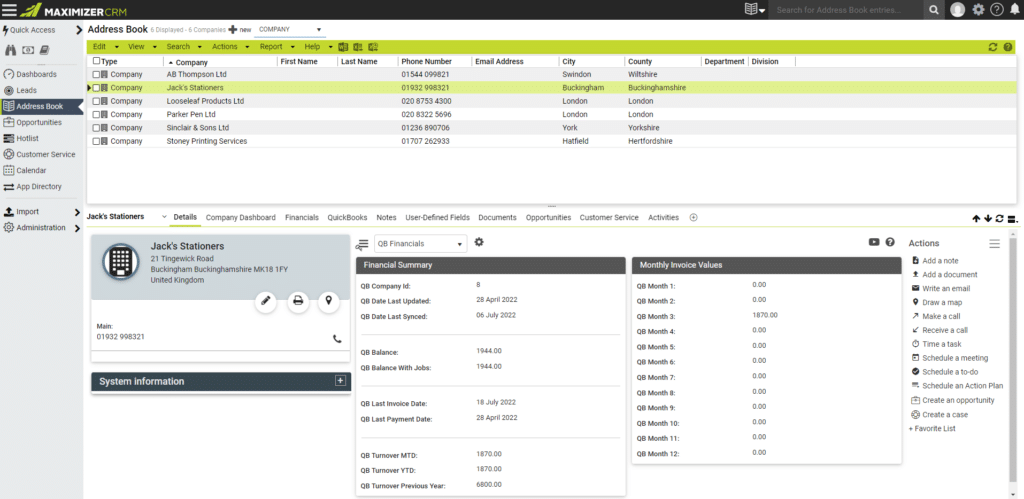
Having your customers’ financial data at your fingertips saves you time – you no longer need to wait for the Finance Department to provide you with the requested information. You can simply log on and find all the financial details in Maximizer CRM.
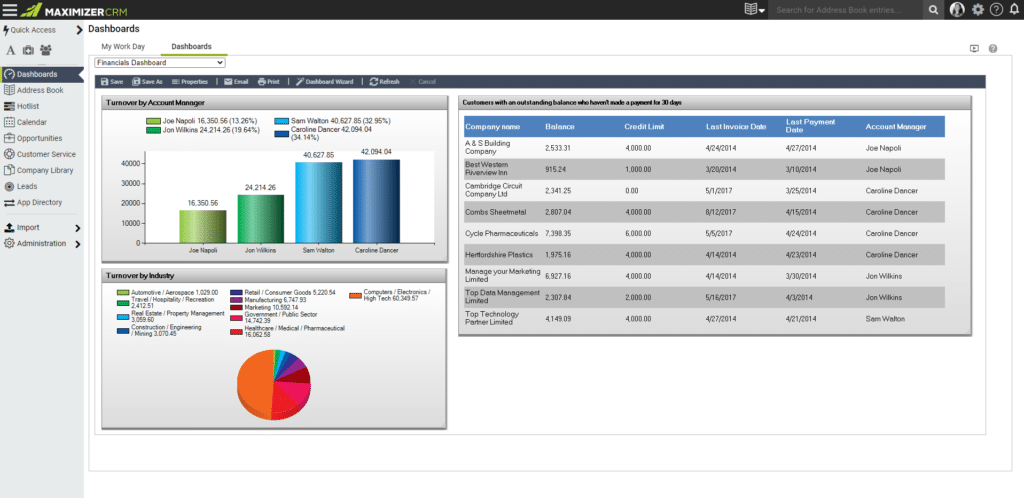
Use Maximizer CRM’s powerful dashboard feature to set up information the way you want to see it, with CRM and financial data amalgamated. For example, you can display turnover broken down by CRM fields, such as industry or company size. Why not configure alerts so you are notified about key financial information related to your customer as it happens, like when one of your customers is put on hold, or a customer exceeds their credit limit.
The benefits of Financials for QuickBooks are many:
- Quick to get up and running.
- Easy to use – no training required.
- Customer financial data within Maximizer CRM
- Saves time – access valuable financial data within CRM.
- Improves operational efficiency – automate processes in CRM.
- Reduces trading risks – customer debtors exposed within CRM.
- Delivers accurate customer analysis – joining CRM data with financial data for searching, grouping, dashboards, reporting.
[responsive_video url=”https://youtu.be/DlAeEHVcyh4?si=wrsr0P4CjT4YQmHv”]
What are the Financials for QuickBooks Features?
View QuickBooks data within Maximizer without the need for a QuickBooks Licence
 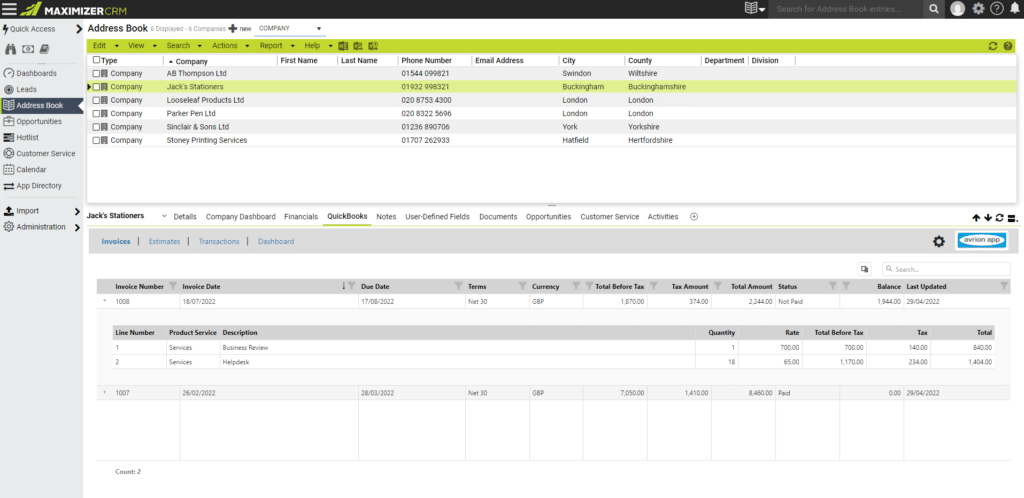
Ledger summary and CRM data in one place
Use Dashboards to track turnover